 Readhill
For students
Your textbook, notebook and exam prep in one place.
Read your PDF books, write on them and keep your notes in order. When exam week comes, everything is one search away.
Coming soon to the App Store
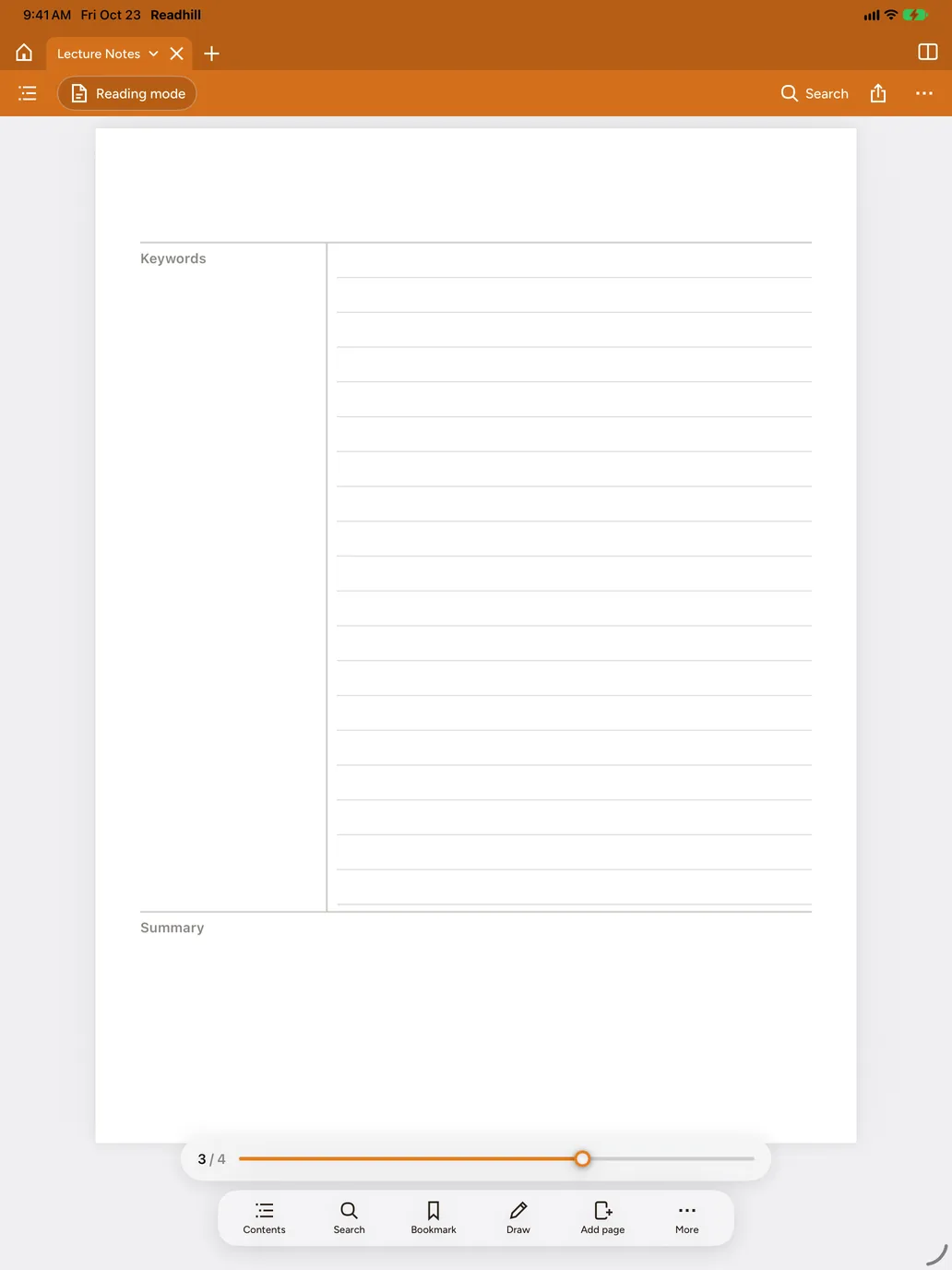
Write on your textbook
Highlight what matters, jot notes in the margin, draw diagrams. Smooth even if the textbook has thousands of pages.
Tidy notes
Cornell, grid and exam prep templates. A folder for each course, and folders grouped into sections.

Revise with tape
Cover the answers with tape, test yourself and tap to reveal.
Search your handwriting
Find a note from the start of term in seconds.
Frequently asked questions
Does it cost anything for students?
No. Readhill is free for everyone right now.
Can I use it on iPhone too?
Yes. The same app works on iPad and iPhone.
You might also like
Notes guide
How to take Cornell notes on iPad
What is the Cornell note-taking method and how do you use it on iPad? A step-by-step walkthrough with a free Cornell template.Templates and storeSet up your notebook in seconds.
Dated linked planner, Cornell, lined, grid, sheet music, budget, habit and exam templates. Illustrated covers. All free.Handwriting searchYou wrote it by hand. You'll still find it.
Find a word in your handwritten notes in seconds. Your handwriting is read and listed as text. Runs on your device, no internet needed.Open your first page.
Download it free. No account needed.
Requires iPadOS or iOS 17 or later