 Readhill
Synced folders
Your manuals, always current.
Connect a folder on a server once. New and changed files download by themselves, and the copies you've marked up are never overwritten.
Only what changed downloads
After the first sync, only new and changed files download. Even a folder with thousands of files is up to date in minutes.
- Automatic sync: hourly, daily, weekly or monthly
- No file size limit
- Picks up where it left off if the connection drops
- Files that failed are tried again on the next sync
Transfer from your computer over Wi‑Fi
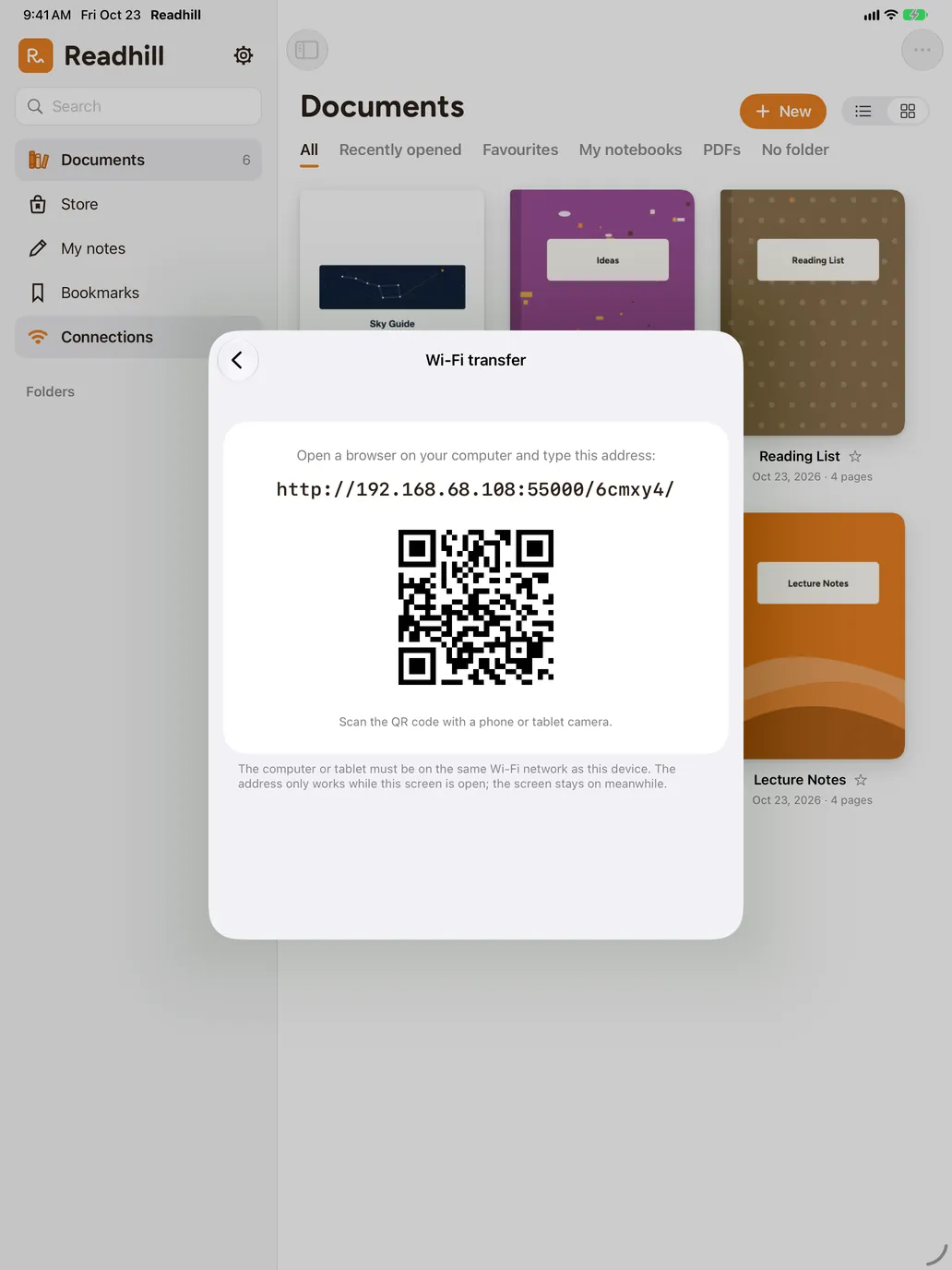
Open Wi‑Fi transfer in Connections, type the address on screen into your computer's browser or scan the QR code. Drag PDFs onto the page and the rest happens by itself.

Download from a link
Paste the address of a PDF and Readhill downloads it into your library.
Frequently asked questions
Which servers are supported?
Servers that support WebDAV: many company and school servers, NAS devices and cloud storage services.
Does sync change my files on the server?
No. Sync only downloads; it never touches the files on your server.
What happens to a document I've marked up?
Your annotated copy is kept. If the file on the server changes, the new version arrives separately.
You might also like
How to transfer PDFs from a computer to iPad over Wi‑Fi
Move PDFs from your computer to iPad or iPhone over Wi‑Fi, without cables or the cloud. Step by step.For aviationYour manuals, current before every flight.
Read flight manuals with thousands of pages smoothly, keep folders current from a server and write on kneeboard pages. Free.PDF readerEven thousands of pages open at once.
Open PDFs with thousands of pages without lag. Tabs, bookmarks, contents, search and password-protected PDFs. Free.Open your first page.
Download it free. No account needed.
Requires iPadOS or iOS 17 or later