 Readhill
Document scanner
Scan the paper, get a PDF.
Scan with the camera and Readhill finds the edges and makes a clean PDF. Then write on it, sign it or share it.
Coming soon to the App Store

Colour, grey or black and white
Clean black and white for an official form, colour for documents with photos. One tap to choose.
Multi-page documents
Scan contracts, forms and class notes page by page. They become one PDF and wait for you under Scanned in the library.
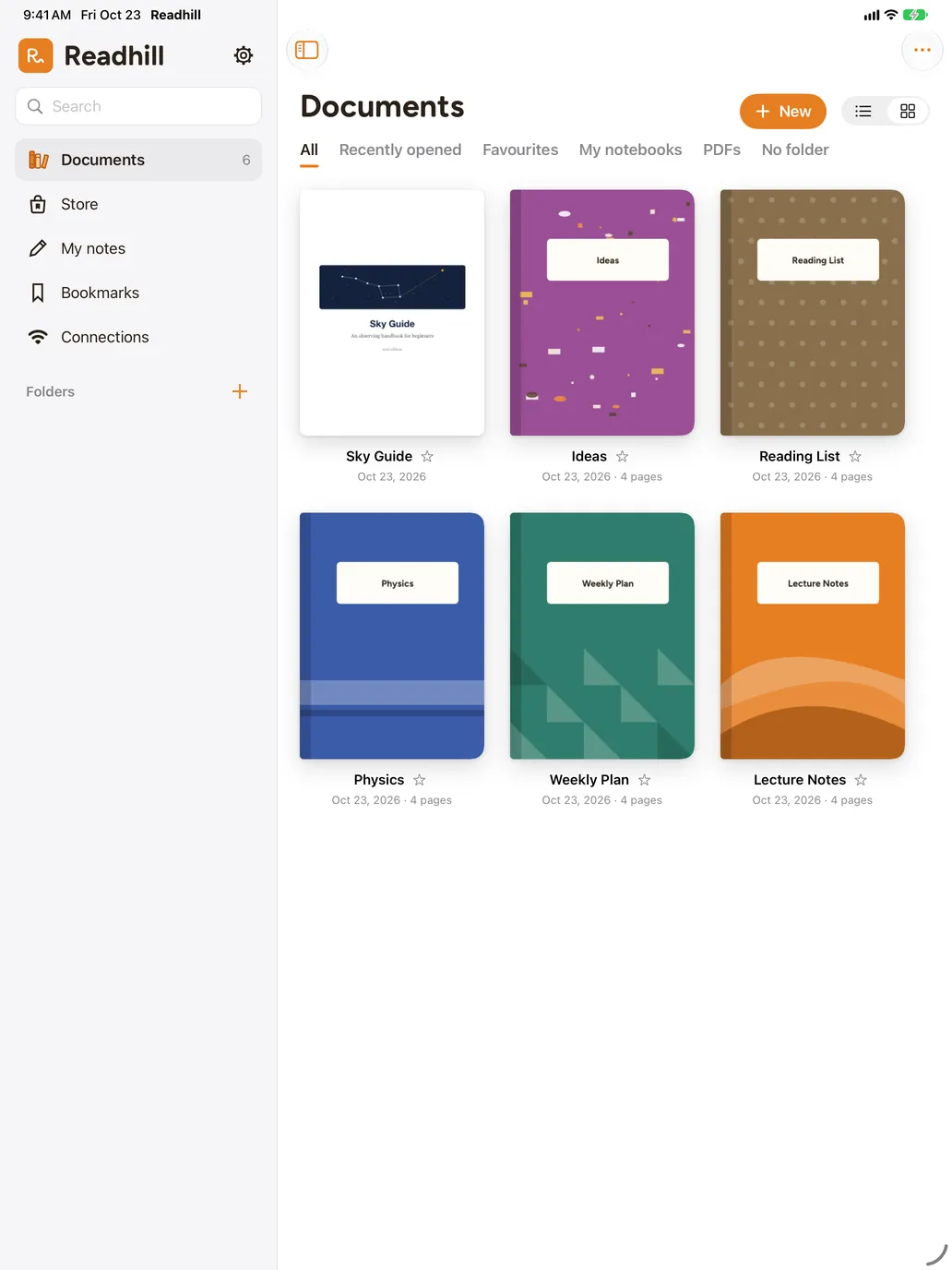
Work with what you scanned
Write on the scanned PDF, sign it, merge it with another document or share it.
Frequently asked questions
Do scans come out straight?
Yes. Readhill finds the edges of the page, straightens it and makes a clean PDF. A flat surface and good light give the best result.
Do scans go to a server?
No. Scanning and layout happen entirely on your device.
Does scanning cost anything?
No, scanning and every layout are free.
You might also like
PDF tools
Whatever you need to do with a PDF.
Merge PDFs, split pages, fill in forms, sign and open password-protected PDFs on iPad and iPhone. Free, on your device.PDF guideHow to sign a PDF on iPhone and iPad
Save your signature once and add it to any PDF with one tap. Sign contracts and forms without printing. Free.Open your first page.
Download it free. No account needed.
Requires iPadOS or iOS 17 or later