 Readhill
PDF guide · 2 min read
How to sign a PDF on iPhone and iPad
No more print, sign, scan. Save your signature once and use it on every document.
Step by step
Open the PDF
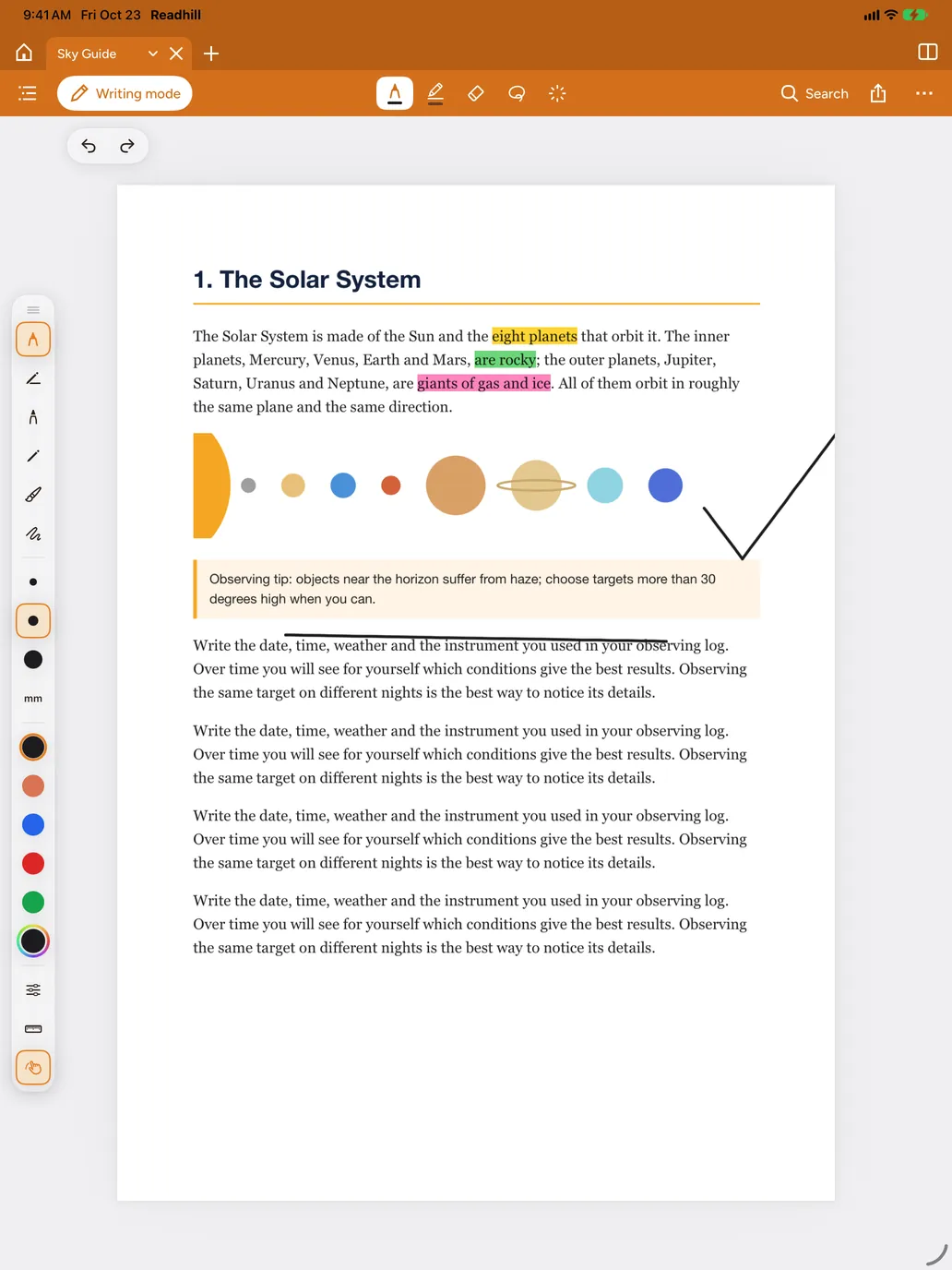
Open the document you need to sign in Readhill and switch to Writing mode.
Choose the signature tool
Pick Signature from the tools. The first time, draw your signature with Apple Pencil or your finger and save it.
Place it
Tap the signature, drag it where you want on the page and adjust its size.
Share
Send the signed copy with Share › PDF with drawings.
Tips
- You can save more than one signature, such as a full signature and initials.