 Readhill
Notes guide · 2 min read
How to see your handwriting as text on iPad
Read and search your handwritten notes without opening them one by one. Readhill reads your handwriting on your device.
Step by step
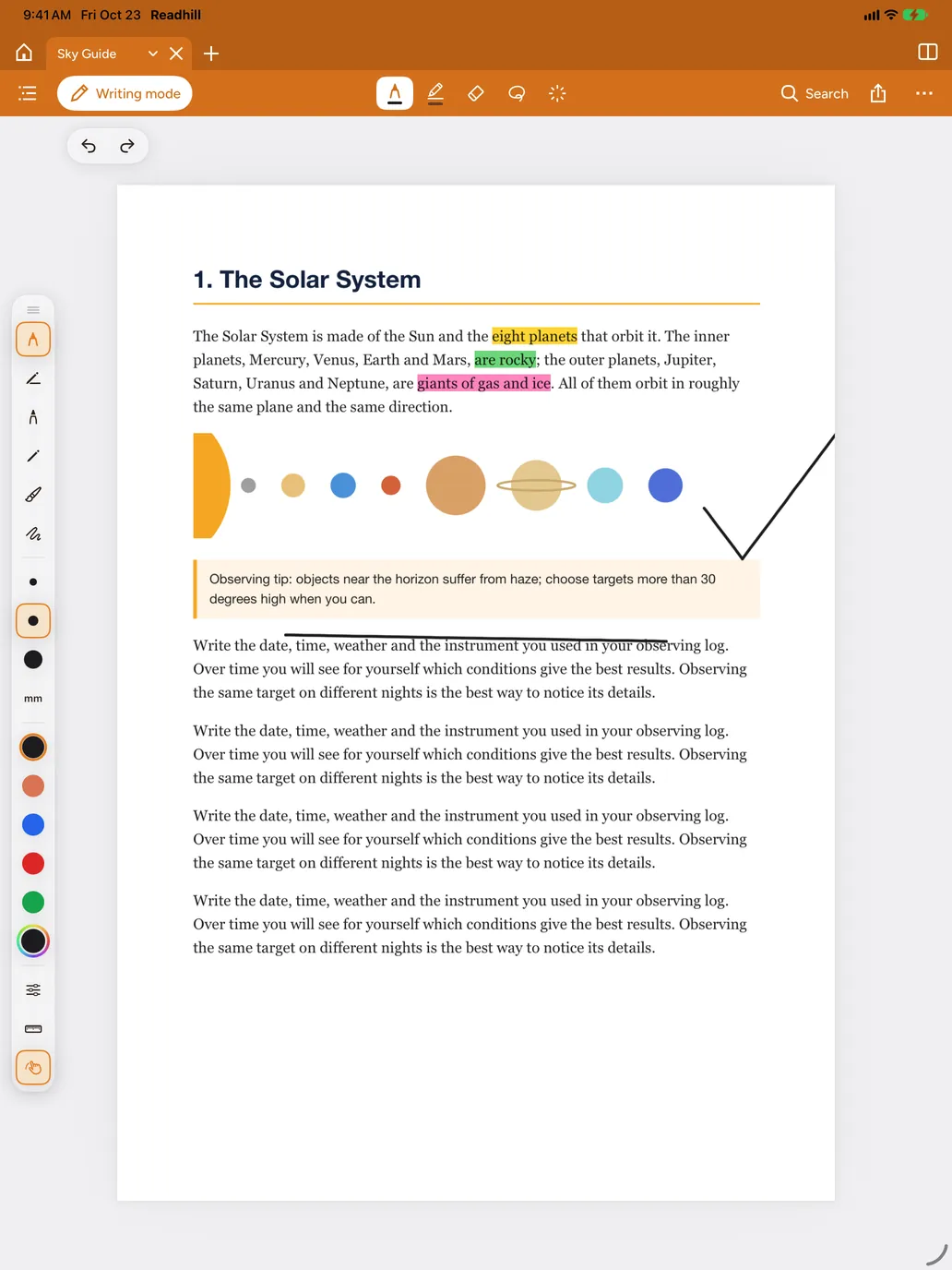
Write with the pencil
Write with Apple Pencil in a notebook or on top of a PDF.
Open Notes
Tap Notes in the library sidebar.
Choose Handwriting
Choose Handwriting from the options at the top. What you wrote is read and listed as text.
Search or tap
Type a word in the search field or tap a line; that page opens.
Tips
- Neat lines are read better.
- Reading happens on your device; your notes are never sent anywhere.