 Readhill
PDF guide · 3 min read
How to merge and split PDFs on iPhone and iPad
Merge or split your documents on your device, without uploading them to a website.
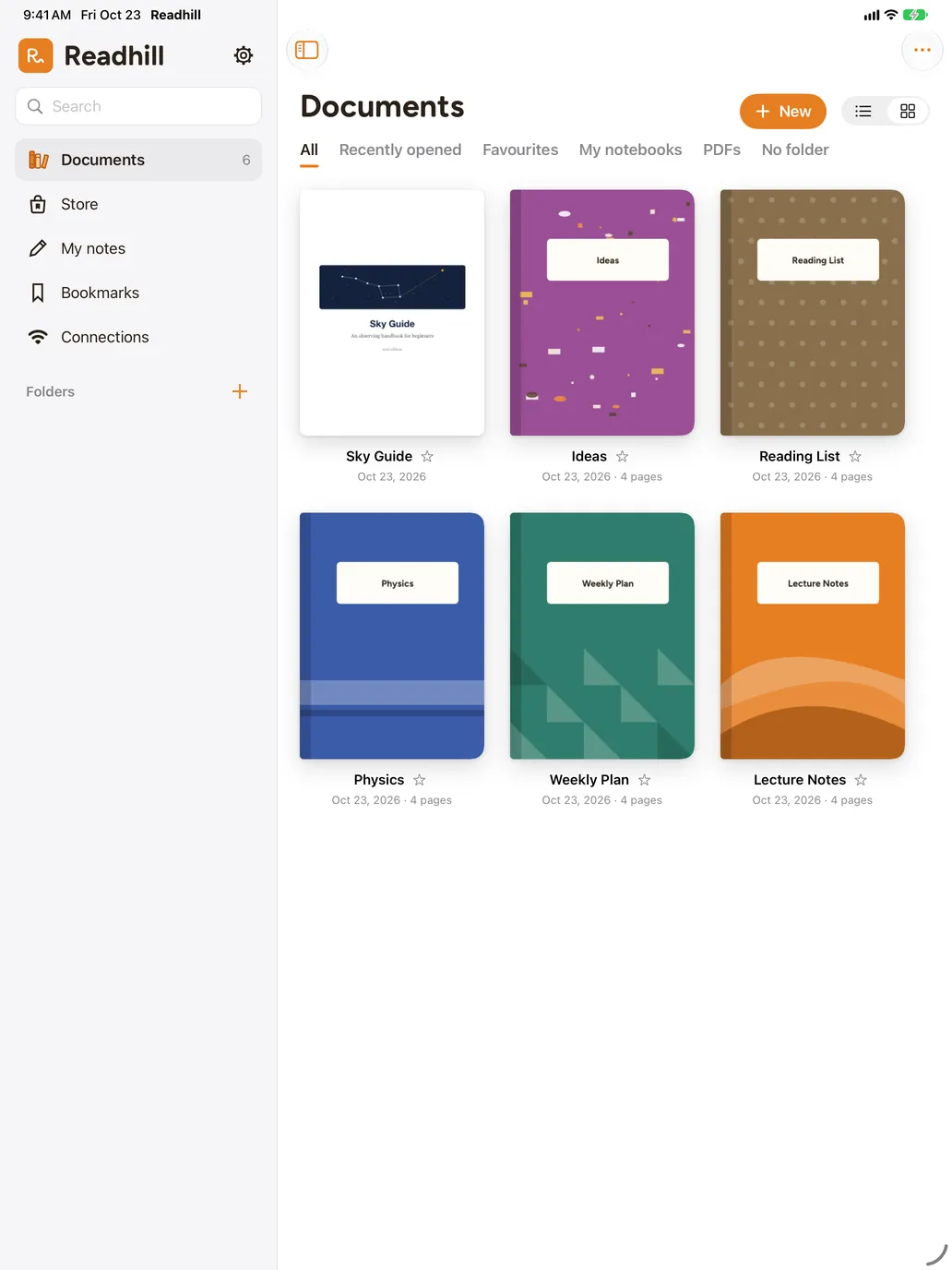
Step by step
Select the documents
In the library, tap Select and mark the documents you want to merge, in order.
Tap Merge
Choose Merge in the bar at the bottom. Drag to change the order.
Save
The new document is added to your library.
To split pages
Open the pages view of a document, select the pages you want and tap Split document.
Tips
- You can merge scanned documents too.
- If you like, delete the originals after merging.